
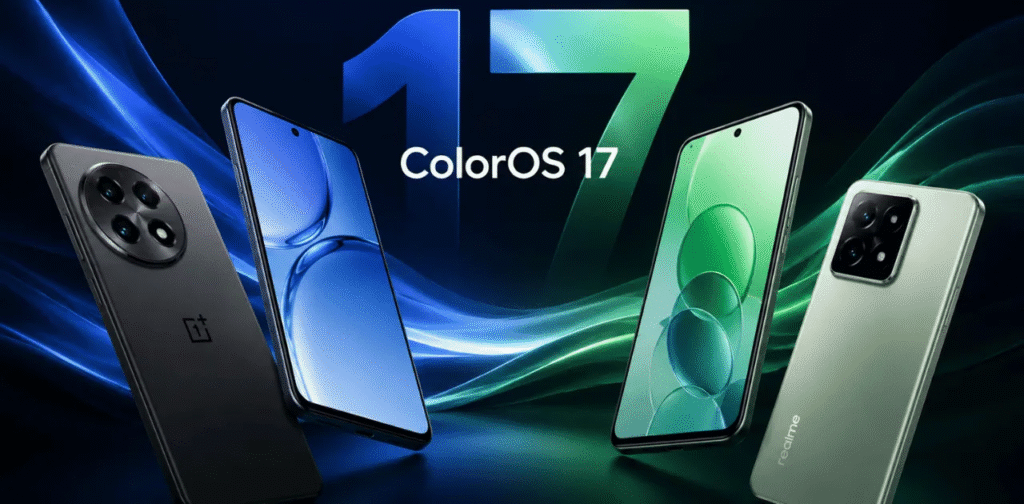
The early release of the ColorOS 17 Beta—built on the Android 17 framework—marks a defining threshold for the OnePlus 15 platform. software architecture is no longer merely a visual wrapper sitting on top of hardware specs; it dictates every micro-interaction, thermal threshold, battery curve, and machine-learning capability of the phone.
For OnePlus users, this beta build brings fresh scrutiny to the evolving identity of the brand’s operating system. While the underlying codebases of OPPO’s ColorOS and OnePlus’s OxygenOS unified years ago, ColorOS 17 represents the deepest structural integration yet—offering direct insight into how the flagship OnePlus 15 hardware interacts with OPPO’s consolidated ecosystem software.
What Is the OnePlus 15 ColorOS 17 Beta?
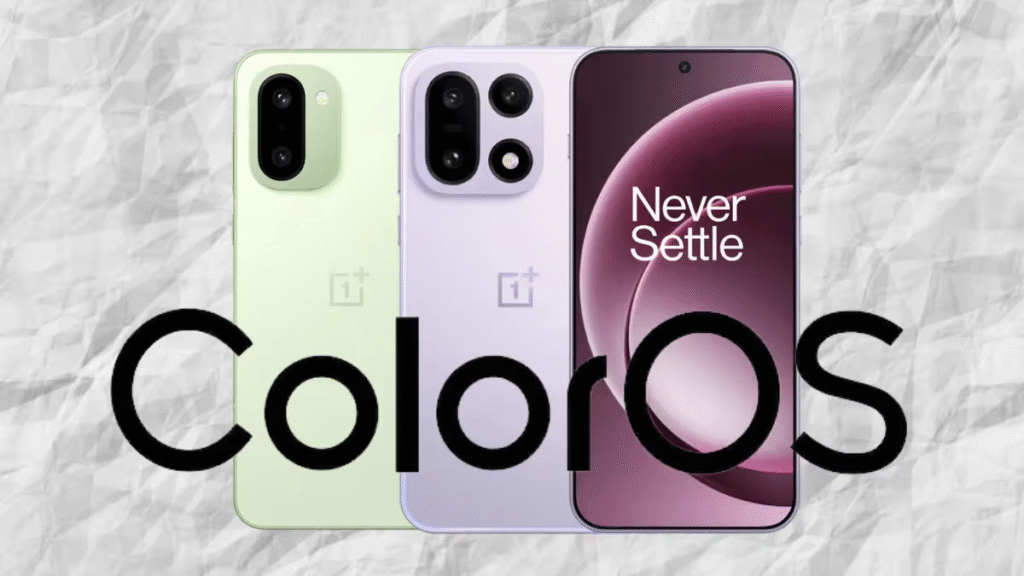
The ColorOS 17 Closed Beta Test (CBT) and Open Beta Program are preliminary testing environments designed for developers, software enthusiasts, and community testers. Unlike standard OTA (Over-The-Air) public updates, beta builds sit directly on the bleeding edge of the software development pipeline.
When you flash a beta ROM onto a device like the OnePlus 15, you are bypassing the multi-stage quality assurance checks that typically sanitize consumer software. The software contains unrefined code, active debugging flags running in the background, non-finalized UI assets, and provisional kernel optimizations.
The primary purpose of the beta program is twofold:
- Developer Ecosystem Readiness: Allowing third-party app developers to test their applications against new Android 17 API behaviors, permission models, and targeted runtime requirements.
- Real-World Stress Testing: Collecting telemetry, crash logs, and bug reports from a diverse pool of daily users operating in varied network conditions, thermal environments, and usage profiles.
In-Depth Feature Breakdown OnePlus: What’s New in ColorOS 17?
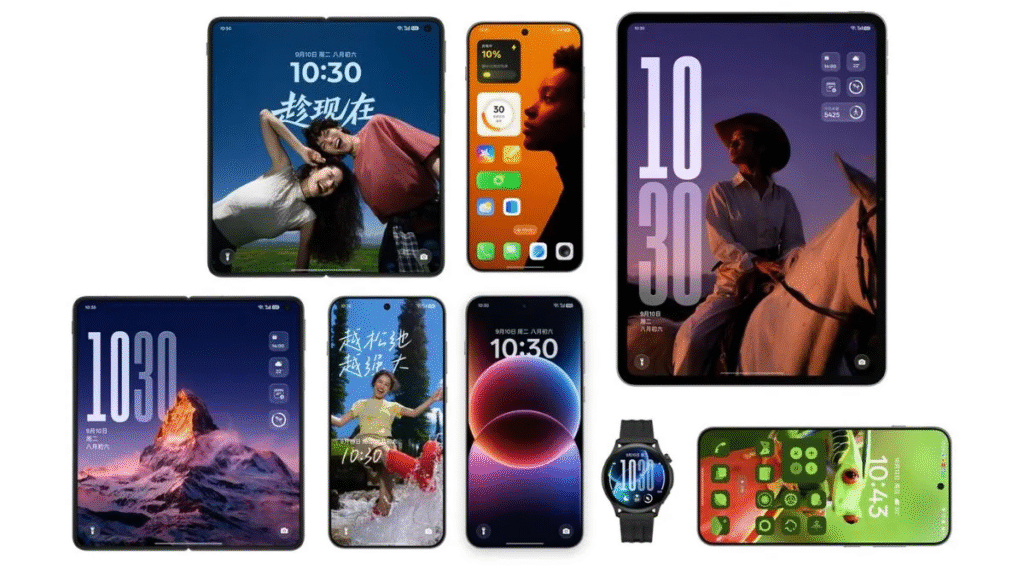
ColorOS 17 focuses on refining visual fluidity, expanding on-device machine intelligence, and deepening user customization options.
OnePlus Aquamorphic Design & Visual Aesthetics
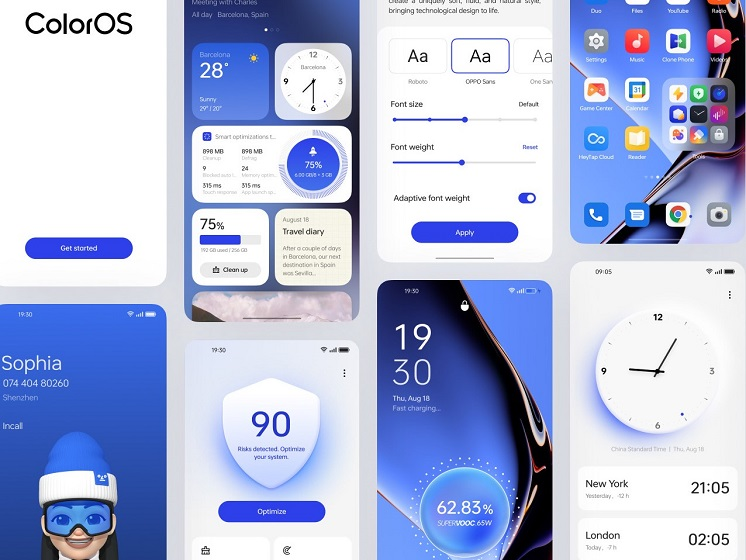
ColorOS 17 evolves the visual identity pioneered in previous versions. The dynamic glassmorphism and real-time Gaussian blurs across system menus have been recalibrated.
- Real-Time Lighting Effects: Windows, notification tiles, and pop-ups now feature dynamic light-reflection physics that respond to real-time touch position and tilt sensor data.
- Rounded Geometry: Interface elements—from quick settings toggles to volume sliders—adopt a unified corner radius that mirrors the physical rounded display corners of the OnePlus 15 hardware.
- Enhanced Fluid Cloud (Dynamic Status Updates): The pill-shaped status notification system now accommodates expanded real-time tracking for ride-sharing, food delivery, media playback, timer count-downs, and active background calls without interrupting full-screen tasks.
Next-Gen Animation Physics & Trinity Engine
The core render pipeline in ColorOS 17 integrates an upgraded iteration of the proprietary Trinity Engine.
- Parallel Rendering Framework: In previous builds, interrupting an app-opening animation with a swipe gesture could cause visual micro-stutters. ColorOS 17 uses parallel processing to calculate opening and closing animations simultaneously, ensuring seamless gesture interruptions.
- Parabolic Elasticity: Icon movements, app drawer pulls, and notification bounces utilize velocity-aware physics algorithms. Swiping faster yields higher resistance and snappy spring-backs, making touch interactions feel physically grounded.
Deep Personalization Framework of OnePlus
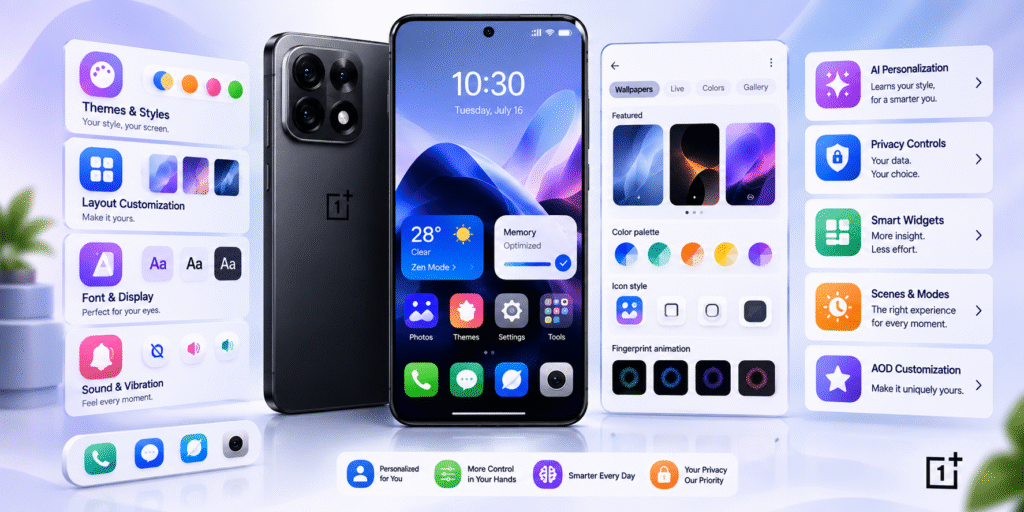
Customization goes beyond basic theme changes to offer granular structural control:
- Lock Screen Depth Engine: Spatial depth-mapping uses machine learning to separate background elements from foreground subjects in standard photos, allowing custom clock elements to slide smoothly behind subjects.
- Always-On Display (AOD) Seamless Transitions: The transition from AOD to the active lock screen and home wallpaper uses a single continuous frame transition (“OneTake” style), eliminating jump-cuts during device unlocking.
- Dynamic Widget Canvas: System widgets now support scalable grid sizing with interactive sub-controls, allowing users to scroll through calendar events or toggle smart-home devices directly from the widget surface.
Advanced AI Integration & On-Device Intelligence
Artificial intelligence is natively integrated across the system framework rather than treated as a isolated gimmick:
- AI Detail Boost & Unblur: The native gallery application incorporates image reconstruction algorithms capable of sharpening heavily cropped photos and removing motion blur from fast-moving subjects.
- Reflection & Glare Eraser: On-device neural processing identifies reflections on glass surfaces (such as museum displays or airplane windows) and neutralizes them with a single tap.
- System-Wide AI Toolbox: Context-aware sidebars automatically offer relevant writing assistance (summarization, tone shifting, proofreading), audio-to-text transcriptions with clean filler-word removal, and screen translation depending on the active application.
- Conversational Intelligent Search: System search scans local files, notes, PDF documents, and system settings using natural language query recognition, eliminating the need to search for exact filenames.
Privacy Architecture & Security Controls
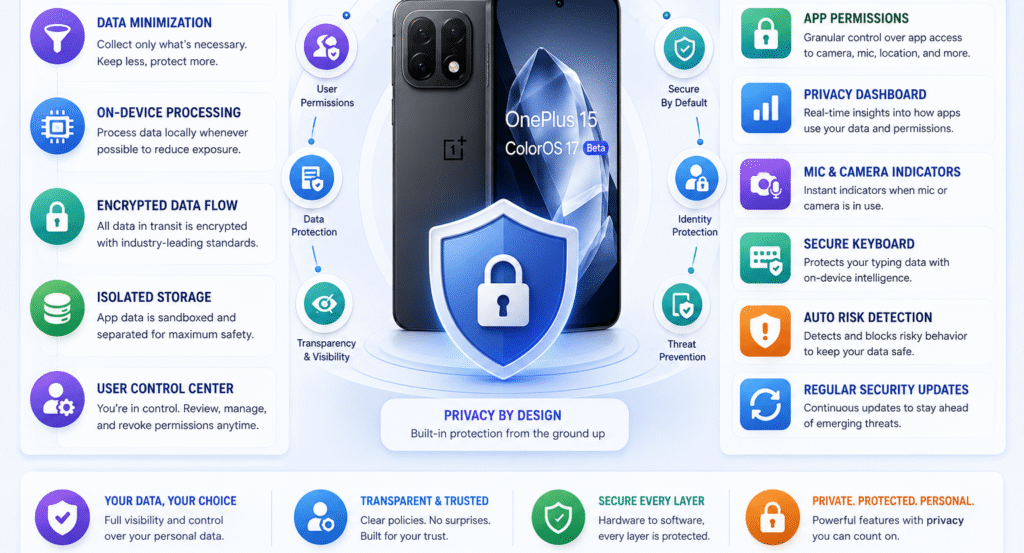
ColorOS 17 adopts Android 17’s underlying security advancements while layering proprietary protections:
- Isolated Private Safe: Encrypted local storage isolates sensitive files, audio recordings, and documents behind isolated cryptographic keys linked to hardware-level security enclaves.
- Granular Clipboard Protection: Applications are restricted from reading system clipboard contents in the background unless explicitly authorized by a user-facing prompt.
- Live Threat & Deceptive Behavior Detection: Background services continuously evaluate app behavior for unauthorized attempts to access sensors, camera feeds, or precise location data without active UI visibility.
Real-World Performance & Technical Health Analysis
Beta updates bring inherent trade-offs between new features and system stability. Evaluating performance on a primary device requires examining key operational metrics:
| Evaluation Metric | Early Beta Characteristics | Expected Final Stable Target |
| System Memory (RAM) Allocation | High overhead due to uncompressed debug logs running in background. | Optimized dynamic compression via Trinity Engine RAM Expansion. |
| App Launch Speed (Cold Starts) | Variable; occasional 100–300ms delays on unoptimized 3rd-party apps. | Instantaneous cold launches with pre-cached app states. |
| Thermal Dissipation | Higher idle temps ($33^{\circ}\text{C}$–$37^{\circ}\text{C}$) during background indexing. | Normal idle temps ($28^{\circ}\text{C}$–$31^{\circ}\text{C}$) under baseline conditions. |
| Display Refresh Rate Consistency | Frequent refresh-rate drops (e.g., locking to 60Hz unexpectedly in certain apps). | Dynamic variable refresh rate switching ($1\text{Hz}$–$120\text{Hz}$) across all UI surfaces. |
| Network & Wireless Connectivity | Intermittent Wi-Fi handoff delays; occasional Bluetooth audio sync latency. | Low-latency protocol switching and stable multi-device Bluetooth pairing. |
Gaming Optimization & Thermal Behavior OnePlus

For mobile gaming enthusiasts, operating system performance directly impacts frame rates, touch input latency, and thermal throttling limits.
- HyperBoost Gaming Engine: ColorOS 17 introduces revised CPU/GPU frequency scaling profiles designed to prevent sudden drops in frame rate. Instead of letting processor clocks spike and trigger rapid thermal throttling, the system caps peak frequencies slightly lower to maintain steady performance over extended sessions.
- Touch Sampling & Haptic Feedback: Touch response latency is reduced via direct kernel-level prioritization of touch input interrupts. Haptic vibrations map dynamically to in-game actions (e.g., weapon reloads, vehicle acceleration) using high-definition linear motor control profiles.
- Beta Gaming Risks: Because early builds lack customized game profiles for newly released or updated titles, players may experience higher power draw, accelerated thermal throttling, or temporary incompatibility with anti-cheat software in competitive games.
Battery Life Expectations & Power Management Profiles
Battery drain is the single most common issue reported during early software testing cycles. Understanding why battery performance changes during a beta helps set realistic expectations:
- Initial Post-Update Indexing: Immediately following an upgrade, system services rebuild media indexes, optimize app bytecode using the Android Runtime (ART) compiler, and run background telemetry tasks. This can double standby drain for the first 24 to 72 hours.
- Unoptimized Background Apps: Third-party applications that have not yet been updated for Android 17 may fail to enter deep sleep states properly, continuously wake up the CPU, and drain power.
- Screen-On Time (SOT) Variance: SOT on early beta builds can drop by $15\% \text{ to } 25\%$ compared to the stable release. Battery metrics stabilize after multiple full charging cycles once the system adapts to individual usage patterns.
Risk Assessment: Should You Flash the Beta?
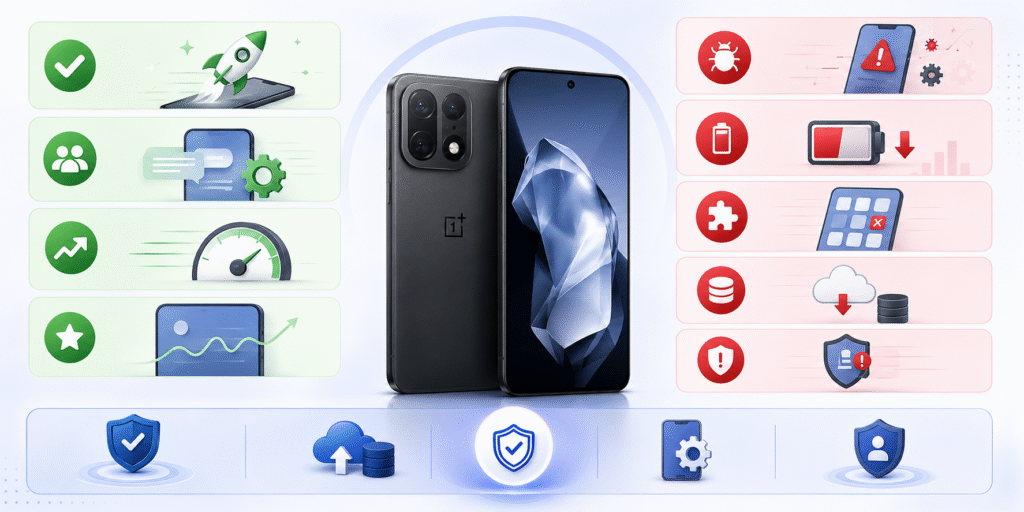
To determine whether enrolling in the OnePlus 15 ColorOS 17 Beta fits your workflow, evaluate these primary considerations:
- Potential Pitfalls for Daily Drivers: Banking and financial applications often fail integrity checks on non-certified beta firmware, temporarily locking access. Crucial enterprise management apps, two-factor authenticator services, and DRM-protected streaming platforms may also experience instability or launch failures.
Step-by-Step Installation & Safety Preparation Guide
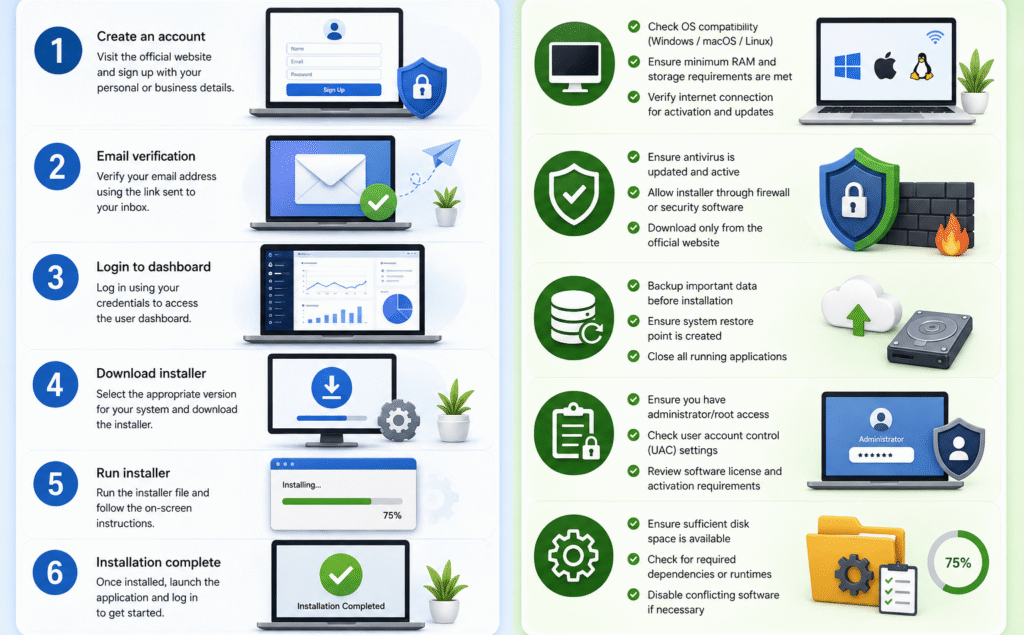
If you decide to proceed with the ColorOS 17 Beta on your OnePlus 15, careful preparation is necessary to protect your data.
Pre-Installation Checklists
- Complete Data Backup: Create a full offline backup of all local documents, media files, chat histories, and critical application settings to a secure computer or cloud storage service. Flashing or rolling back beta software completely wipes internal storage.
- Verify Battery and Storage: Ensure your device has at least 60% battery capacity (or remains connected to power) and at least 15GB to 20GB of free internal storage to prevent installation interruptions.
- Record Firmware Build Numbers: Note your current system build number (Settings > About Device > Version) to ensure eligibility for the specific beta branch.
Registration & Installation
- Developer Settings Enabler: Navigate to Settings > About Device > Version and tap Build Number seven times until a prompt confirms Developer Mode is enabled.
- Apply via System Settings: Navigate to Settings > About Device, tap the Up to date banner, select the top-right menu icon, and choose Beta Program.
- Complete Application: Fill in the required registration details, accept the Non-Disclosure Agreement (NDA) or tester terms if prompted, and submit.
- Local Installation (if applying via offline package): Download the official release package provided by OnePlus, navigate to Settings > About Device > Up to date > Local Install, select the zip archive, and proceed with verification.
Development Roadmap: What to Track Moving Forward
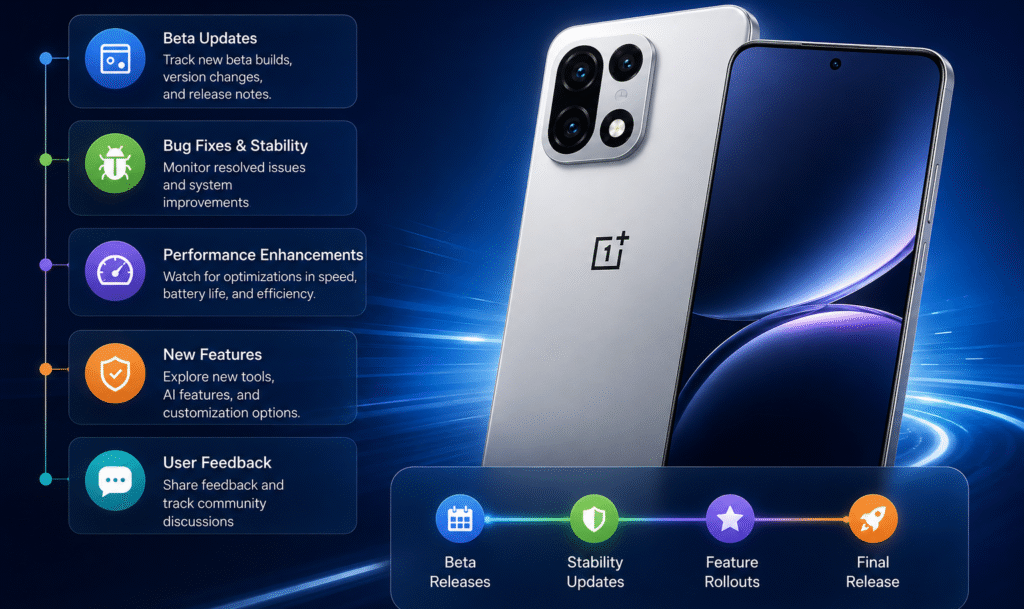
Software refinement is an iterative process. As the ColorOS 17 development cycle progresses toward a stable public rollout, monitor these key development milestones:
- Cadence of OTA Beta Builds: Look for updates released every two to three weeks, which indicate active bug fixing, kernel refinement, and performance adjustments.
- Changelog Transitions from Features to Fixes: Early builds focus on introducing new visual features and options; late-stage builds pivot to memory leak fixes, battery tuning, and app compatibility improvements.
- Platform Security Certificate Verification: The transition from closed beta software to final release candidates is signaled by Google Play Protect certification, enabling full compatibility with banking apps and secure services.
- Community Feedback Trends: Follow dedicated testing threads in the official OnePlus forums and developer communities. Shared user experiences offer clear insights into real-world battery drain, thermal behavior, and camera stability long before official updates roll out broadly.